Built-in HDR Camera
Handle high-contrast scenes with AuraHDR's computational HDR engine and create a finished image directly on your iPhone.


Capture up to 16 stops of exposure range, RAW focus brackets, 48MP ProRAW and computational HDR — all from one professional camera app.
AuraHDR goes beyond ordinary manual controls with capture tools designed for HDR, extended depth of field and multi-frame photography.
Handle high-contrast scenes with AuraHDR's computational HDR engine and create a finished image directly on your iPhone.
Capture up to seven bracketed exposures across an exceptionally wide exposure range for Lightroom, Affinity Photo and Capture One workflows.

Capture high-quality focus sequences in Auto or Manual mode, with support for RAW and JPEG and up to 100 frames.

Shoot repeated frames at one exposure for advanced multi-frame noise reduction and creative stacking workflows.
Create smooth-water and light-trail effects with a dedicated long-exposure mode built for mobile shooting.

Capture brackets with the RAW format that works best for you whether unprocessed Bayer RAW or partially processed ProrAW.

Capture and merge frames for ultra sharp close-ups w/ a built-in focus stacking camera. No third party apps required.
Get help with precise focus via a 3x magnifier with all new focus peaking support.
Use AuraHDR as a complete shooting front end for professional HDR and focus-stacking applications. Capture the sequence on iPhone, then merge it in the editor you already use.
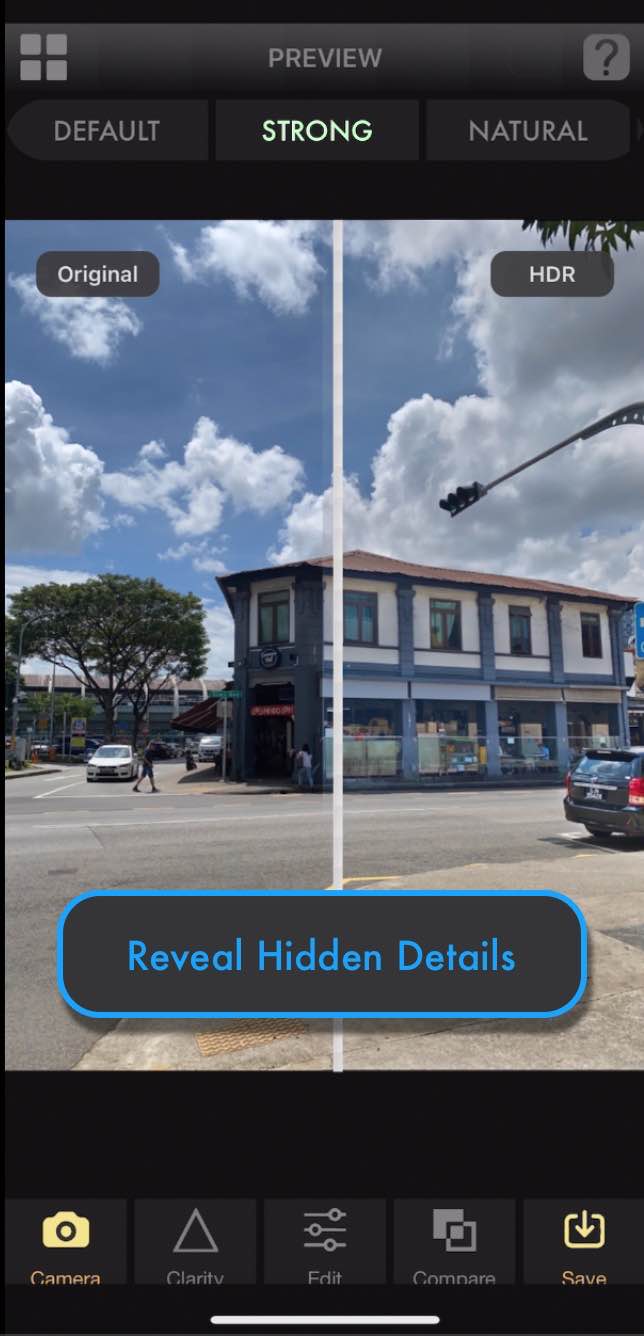
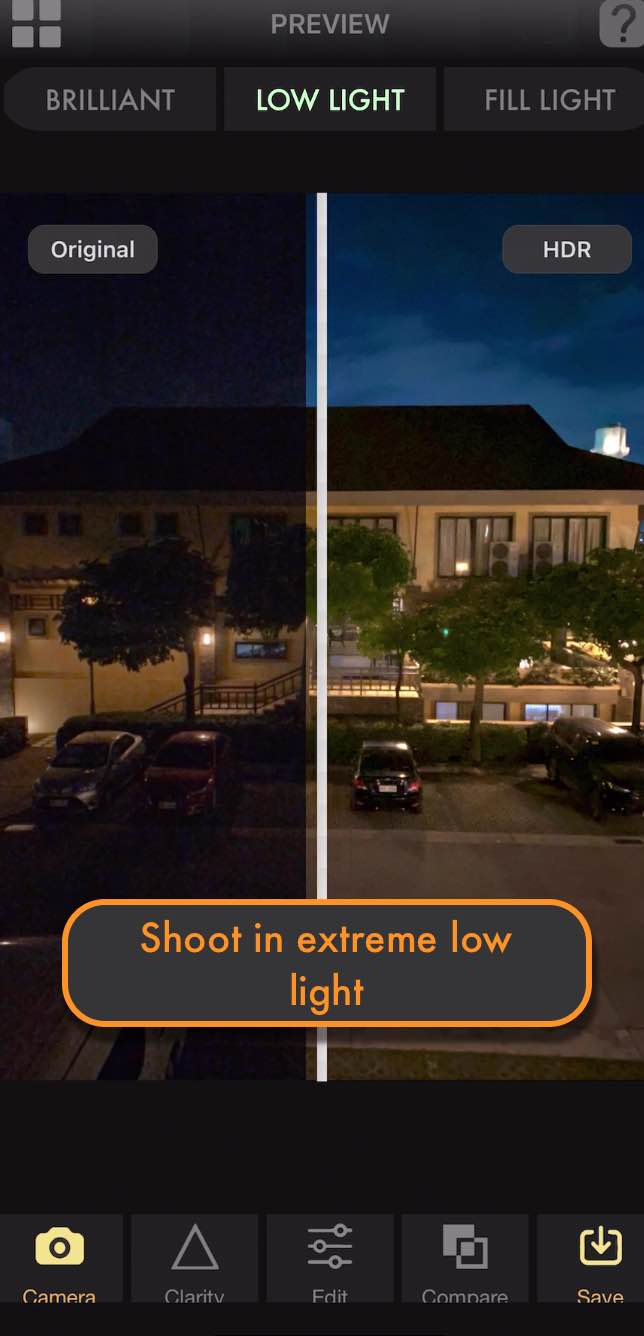
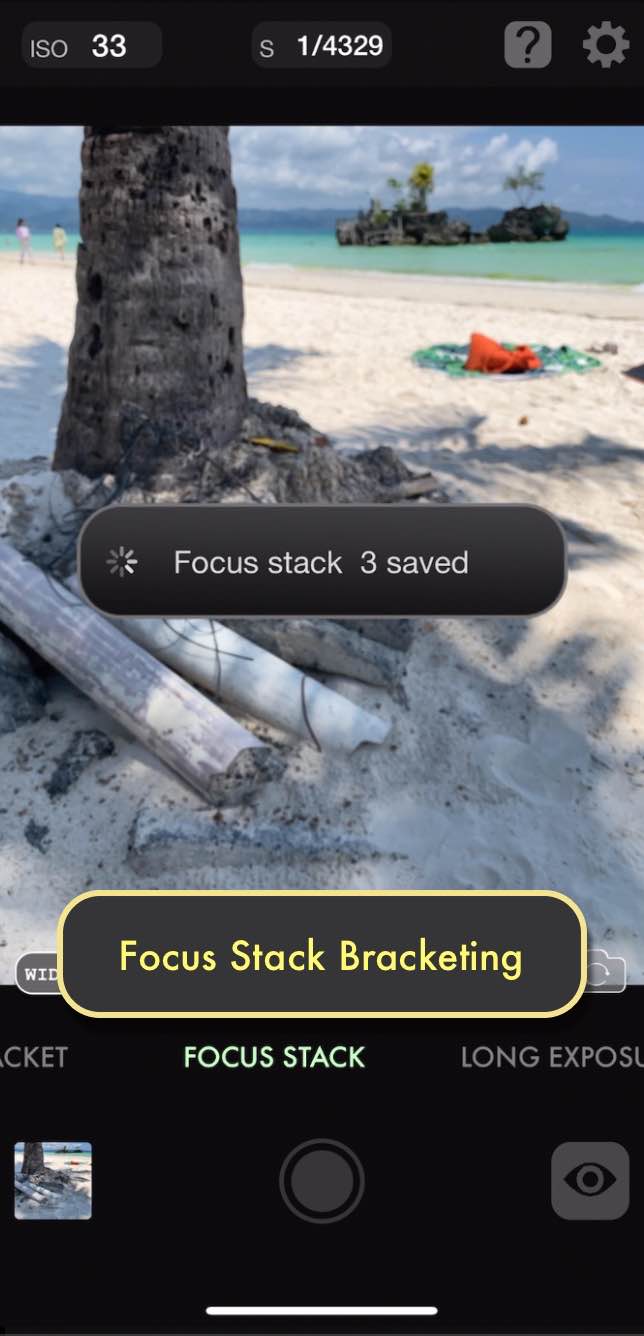
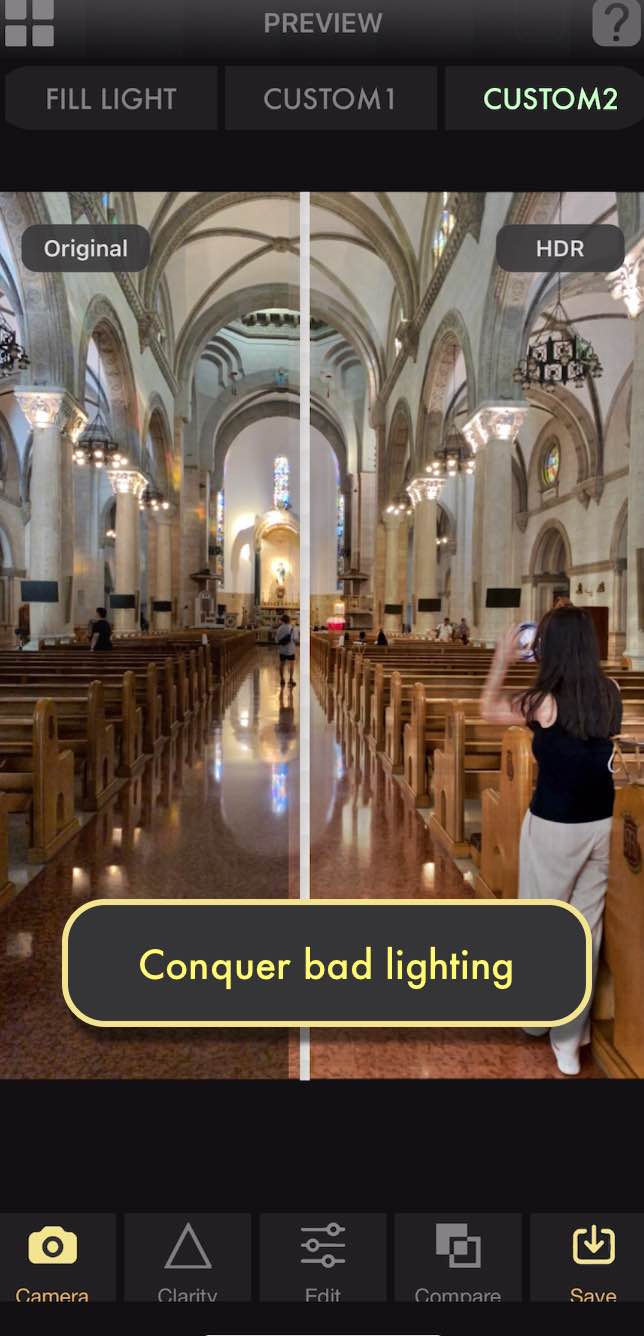
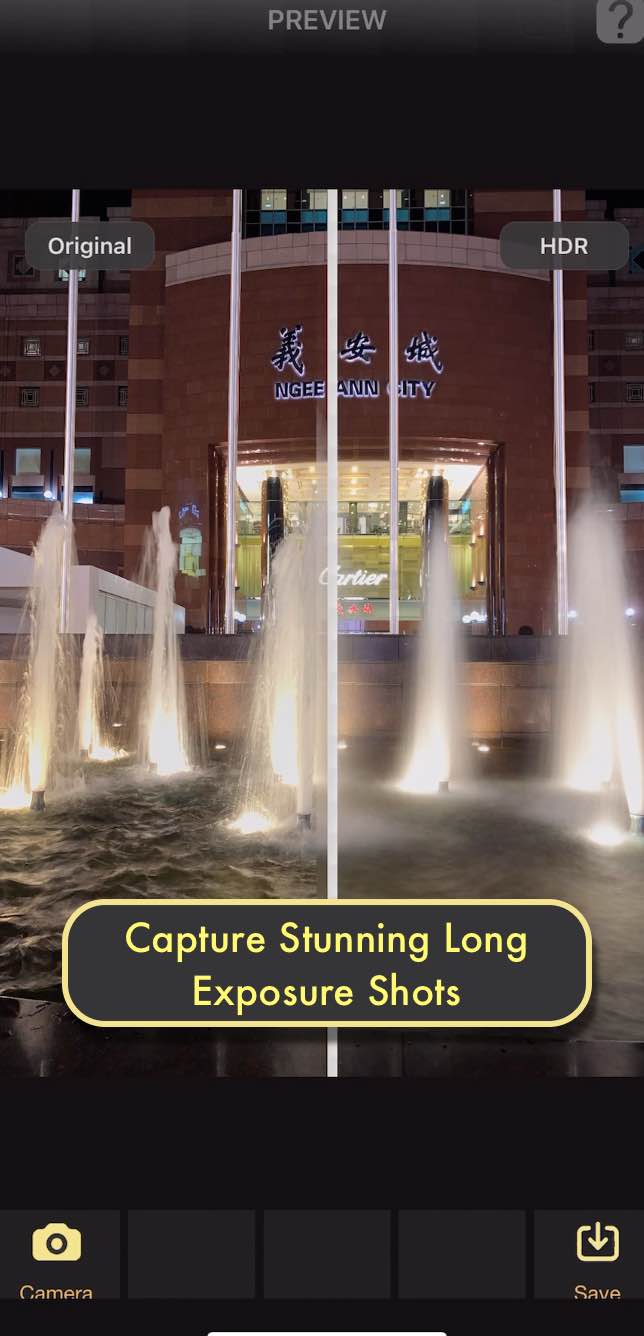
Choose the workflow that fits the photograph — AuraHDR handles the capture sequence while you stay focused on composition.

Select HDR, exposure bracketing, focus bracketing, long exposure or frame stacking.
AuraHDR controls the exposure or focus sequence according to the shooting mode you selected.
Finish inside AuraHDR where supported, or take your RAW/JPEG brackets into your preferred desktop editor.
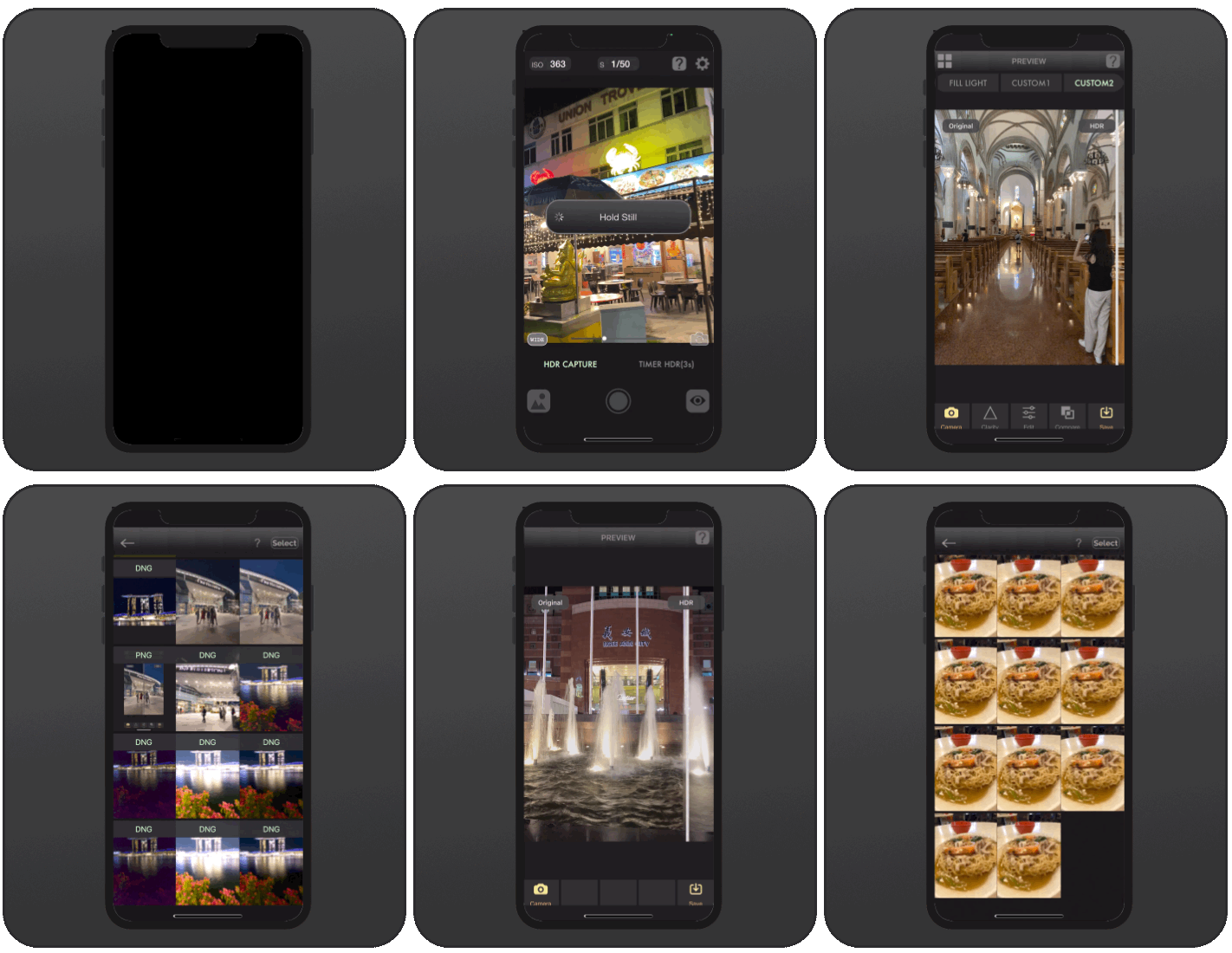
Browse the AuraHDR interface below, then visit the full gallery for finished photography created with the app.
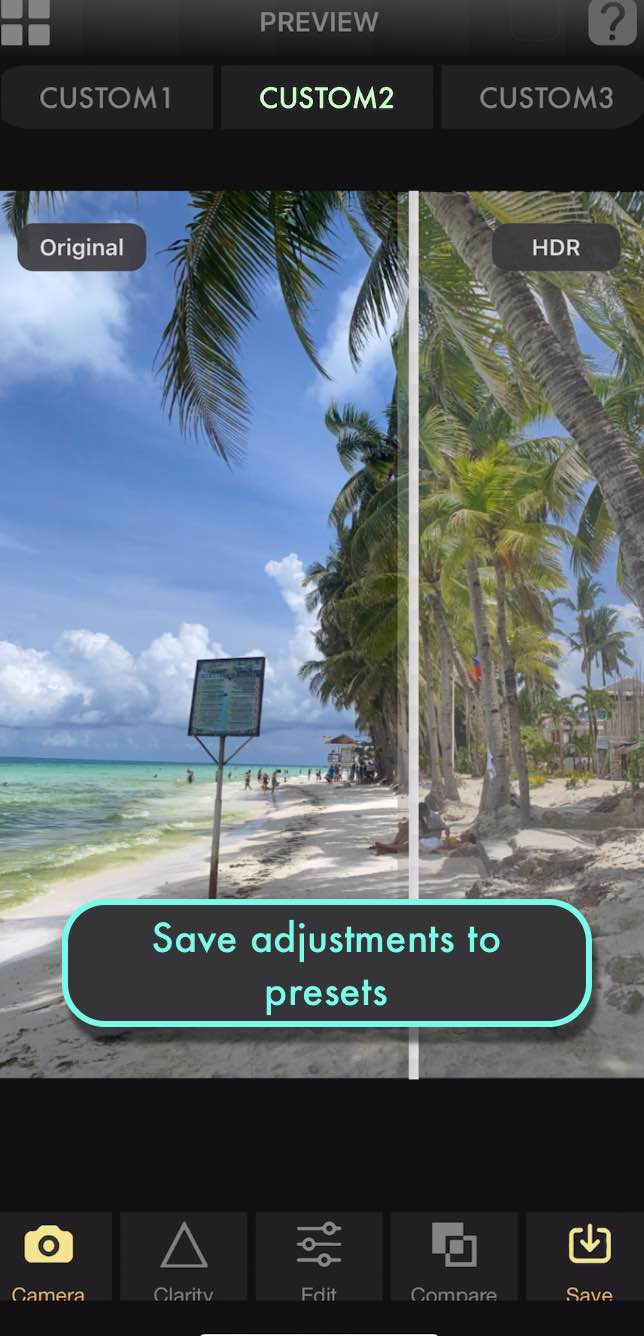
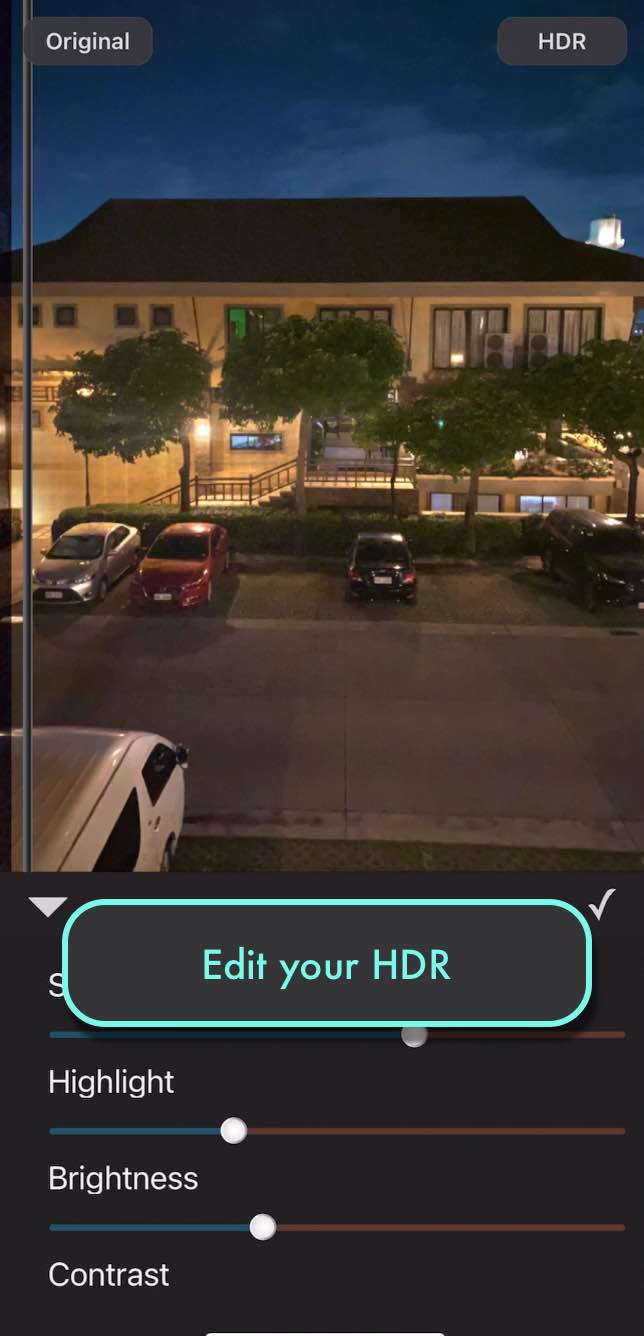
AuraHDR is centered on computational capture workflows that are difficult or impossible to reproduce with a standard one-frame camera interface.
See the workflows on YouTubeIt combines built-in HDR and focus-stacking workflows with RAW exposure bracketing, RAW focus bracketing, long exposure, frame stacking and 48MP ProRAW capture on supported devices.
Yes. AuraHDR can capture up to seven bracketed exposures across as much as 16 stops of exposure range for later merging in professional editing software.
Yes. AuraHDR is free to try and requires unlocking after the specified trial shooting allowance.
Use Auto for a fast focus sequence or Manual when you want direct control. AuraHDR supports RAW and JPEG focus-bracket capture with sequences of up to 100 frames.
Yes. Exposure and focus brackets can be used in desktop workflows including Lightroom, Affinity Photo, Capture One and Helicon Focus, depending on the type of merge.
The AuraHDR YouTube channel includes tutorials covering HDR, focus stacking and other computational photography techniques.
HDR, RAW exposure bracketing, focus bracketing, long exposure, frame stacking and 48MP ProRAW in one app.

We'd love to hear from you about AuraHDR.